
Mobile Arcade Game · iOS & Android · com.haip.flippyfrog
Flippy Frog
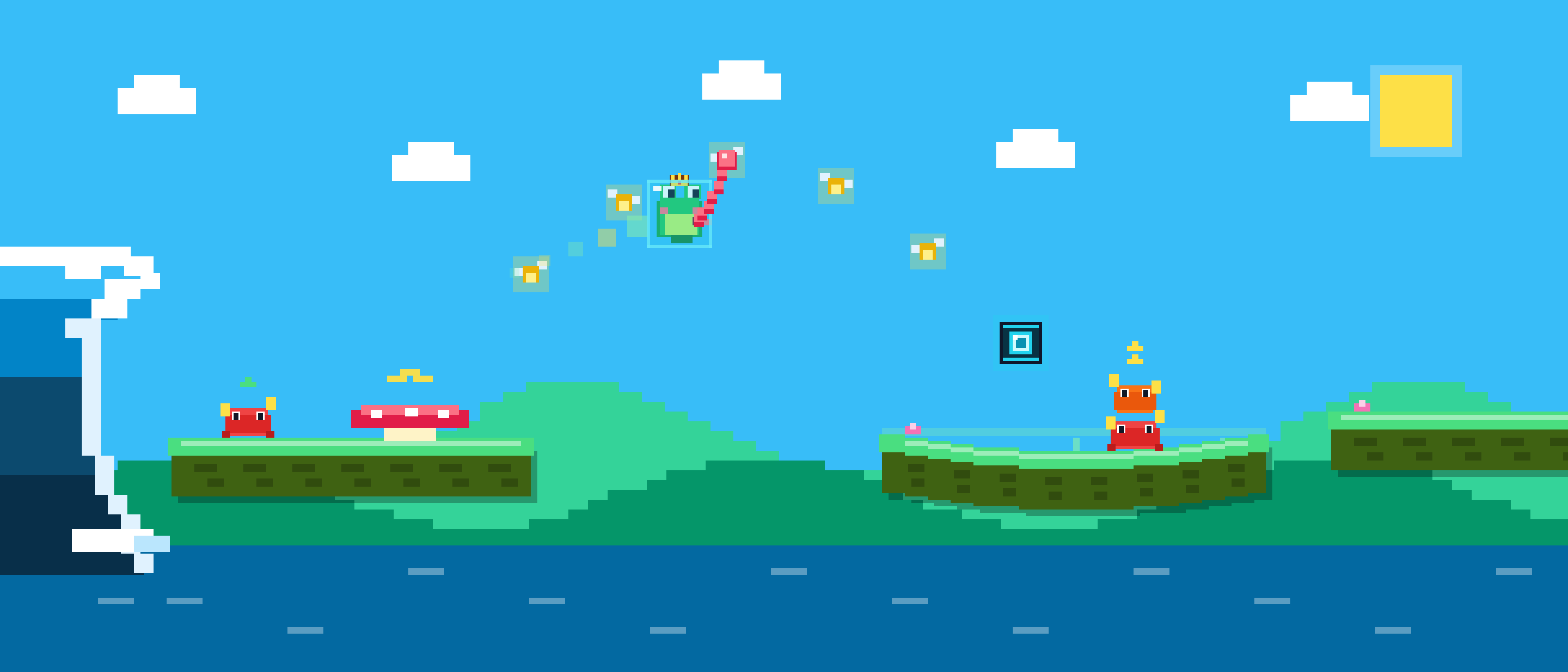
Swipe the lily pads — not the frog! Stretch sticky slime to duck under hazards, snap downward to fast-fall, and fling your frog sky-high across 7 handcrafted pixel-art islands.
Game Features
Elastic Lily-Pad Controls
You never control the frog directly. Swipe the elastic lily pads up and down while your frog stays glued to the surface.
Stretch, Duck & Slingshot
Pull gently down to duck under low hazards, yank sharply to snap the sticky threads and fast-fall, or swipe up to launch high into the sky.
Tongue-Grapple Combos
Tap in mid-air to grapple onto glowing fireflies, chain airborne swings, and build massive score multipliers.
7 Handcrafted Pixel Worlds
Soar across Sunny Meadow, Sunset Beach, Cherry Blossom, Desert Dunes, Frosty Peaks, Lava Volcano, and Midnight Neon at silky-smooth 60/120Hz.
12 Unlockable Frog Skins
Complete daily and weekly objectives to level up your multiplier and unlock 12 custom pixel-art frog skins—no loot boxes required.
Optional Flippy Pass VIP
Play 100% free, or subscribe to Flippy Pass ($1.99/mo) for ad-free gameplay, 1x free revive per run, unlimited objective skips, and the Golden Crown.
Official App Support
Need help with Flippy Frog?
Our team at Haip AS in Drøbak, Norway responds to all support requests, bug reports, subscription questions, and privacy inquiries within 1–2 business days.
Support Email: post@haip.as
Developer / Publisher: Haip AS (Org. no. 935 829 380)
Location: Drøbak, Norway
Bundle / Package ID: com.haip.flippyfrog
Legal & Store Compliance
Review our full Privacy Policy and Terms of Use (EULA), including details on Flippy Pass auto-renewing subscriptions, PostHog EU analytics, and Google AdMob rewarded video ads.
Frequently Asked Questions
How do I restore my Flippy Pass subscription on a new device?
Open Flippy Frog, tap the "Flippy Pass" crown button at the top of the main menu (or open the Pause/Settings menu), and tap "Restore Purchases". Make sure you are signed into the same Apple ID or Google Play account used for the original purchase.
How do I manage or cancel my Flippy Pass subscription?
You can manage or cancel your subscription at any time by tapping "Manage Subscription" inside the Flippy Pass sheet in-game, or directly through your device Settings → Apple ID → Subscriptions (iOS) or Google Play Store → Payments & subscriptions → Subscriptions (Android).
Where is my game progress saved?
High scores, unlocked frog skins, objective progress, and settings are stored locally on your device so you can play offline anytime without creating an account. You can reset your local progress in Settings → Reset Progress.
How do I turn off notifications, sound, or haptics?
Tap the pause/settings icon in Flippy Frog to toggle Sound Effects, Background Music, Haptic Vibration, and Daily Objective Reminders individually.